Projects
Folder-style organization for tasks. Create, assign, filter, and bulk-reassign.
Projects are folders for your retrosynthesis tasks. Use them to keep analog series, target programs, or grant work organized when your queue grows past a screen.
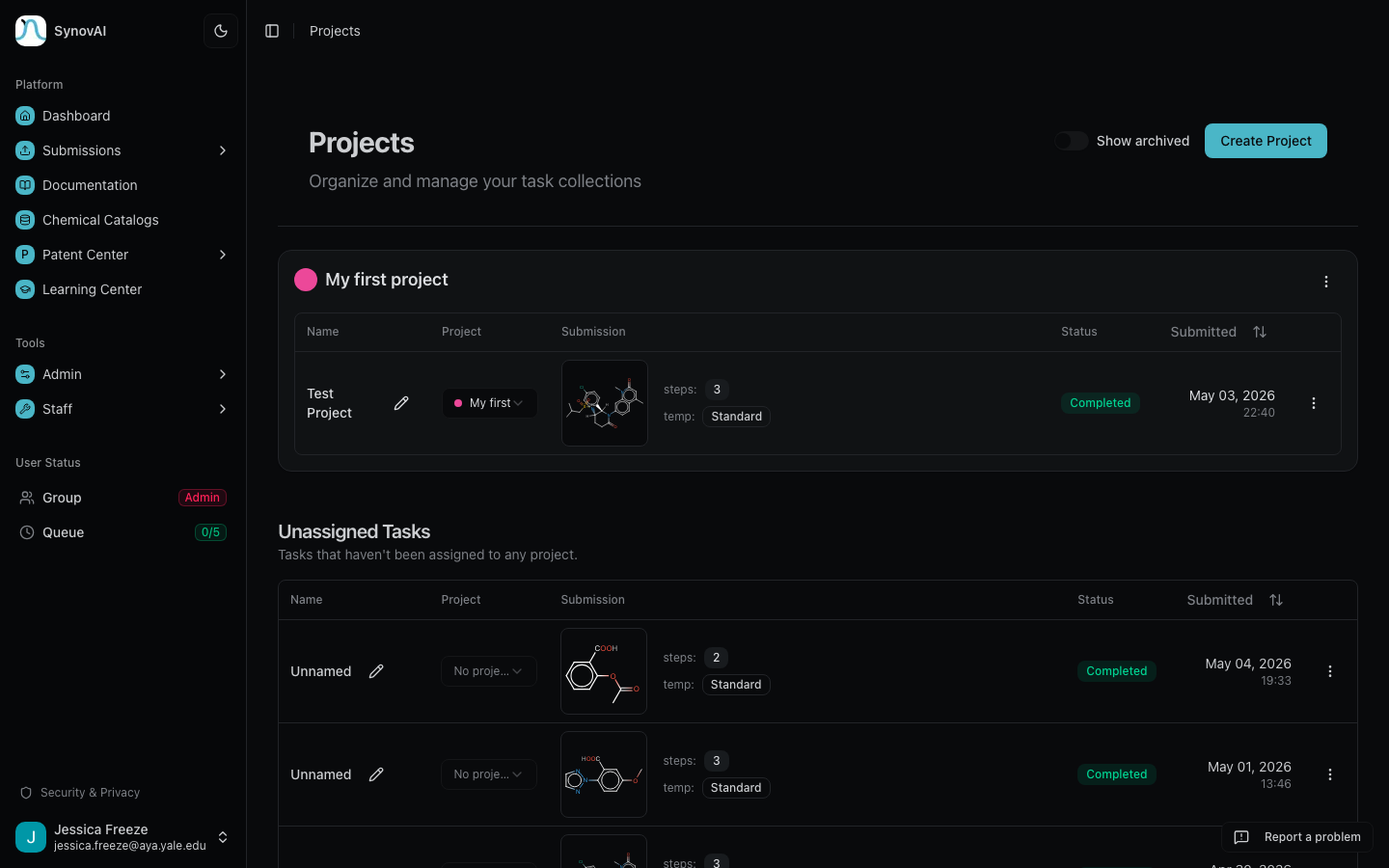
Create a project
From any Project dropdown in the platform, click + New project to open a quick-create modal. Name it, optionally pick a color, and the new project is selected immediately for whatever you were doing. No page change, no context switch.
Assign tasks to a project
Three places trigger an assignment:
- At submission time: pick a project from the Project selector on any pipeline form. New tasks land in that project.
- From the task table: every row has a small project dropdown with the same + New project option. Drop-down to assign or reassign on the fly.
- In bulk on
/projects: drag a task card from any project (or the Unassigned section) onto another project to reassign.
Filter the task list by project
Each pipeline page (Retrosynthesis, Batch Submit, Library Synthesis)
has a Project filter at the top of Recent Tasks. The selected
project is encoded in the URL (?projectId=...) so a filtered view
is shareable.
Manage projects
Click the Project filter dropdown and pick ⚙ Manage projects
to open /projects, the dedicated management page. From there:
- Edit project name, description, or color
- Archive projects you no longer want in the active list (their tasks are also archived; toggle Show archived to bring them back)
- Delete projects when you're done with them