Updated May 5, 2026
Substructure exclusion
Exclude routes containing any molecule matching a SMARTS pattern.
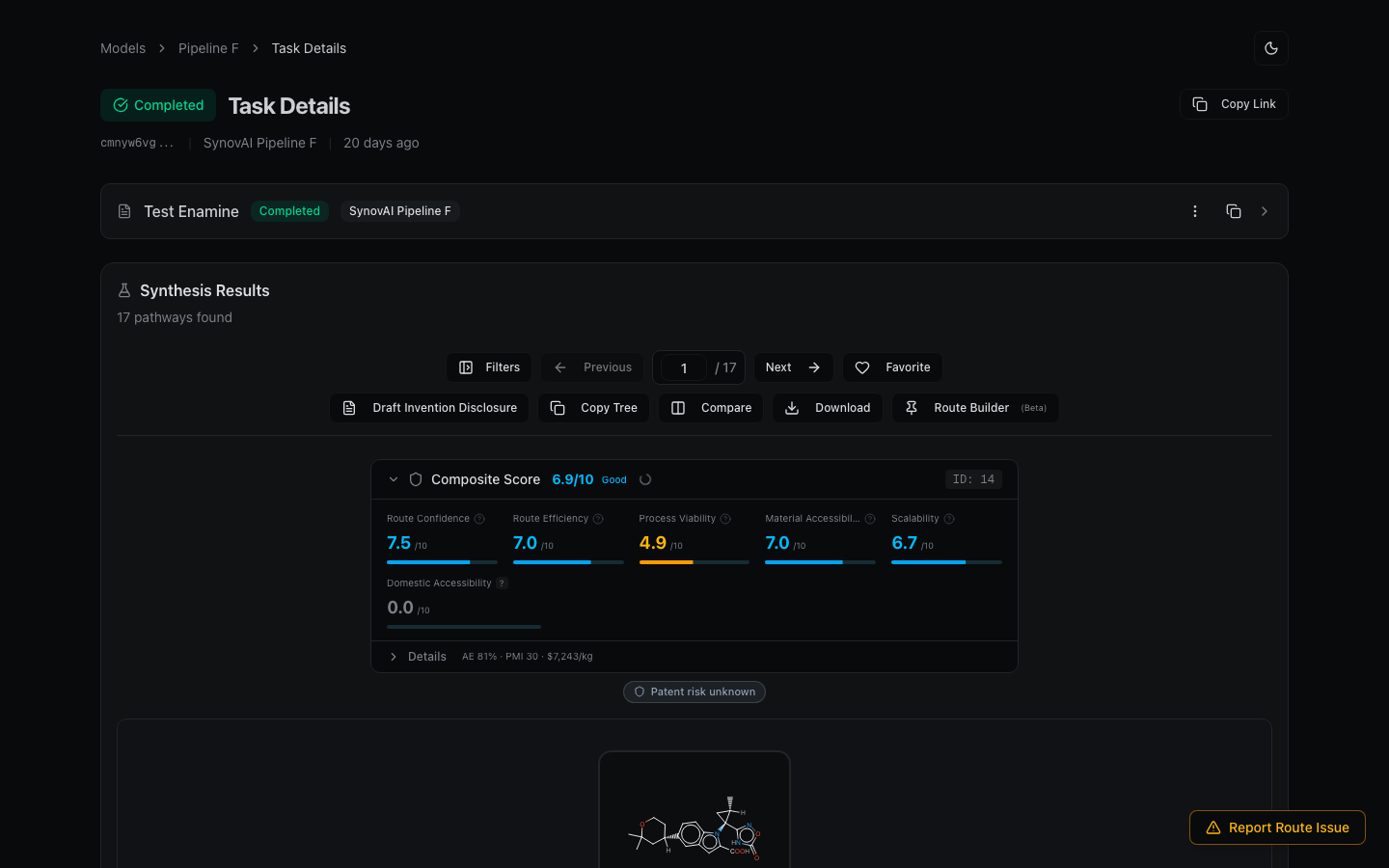
Exclude routes containing any molecule with a specific substructure. Open the Filters sidebar and find the Exclude Substructure field.
How to use
- Enter a SMILES or SMARTS pattern.
- Routes containing any molecule matching that substructure are excluded.
- The count of excluded routes appears below the input.
- Clear the field to remove the filter.
Example patterns
| Pattern | Matches |
|---|---|
[N-]=[N+]=[N-] | Azides |
C(=O)OO | Peroxides |
[Cr] | Chromium compounds |
c1ccccc1[N+](=O)[O-] | Nitroaromatics |
Use cases
- Avoid dangerous reagents — azides, peroxides, highly energetic functional groups.
- Incompatible functional groups — if your target has a sensitive moiety, exclude transformations that would disturb it.
- Process constraints — exclude transition metals you can't use in your facility (e.g., palladium in a metals-free suite).