Route builder
Pin transformation steps from multiple routes and validate connectivity.
Build custom synthesis pathways by pinning reaction steps from any route. Click the Route Builder button in the toolbar to open the panel.
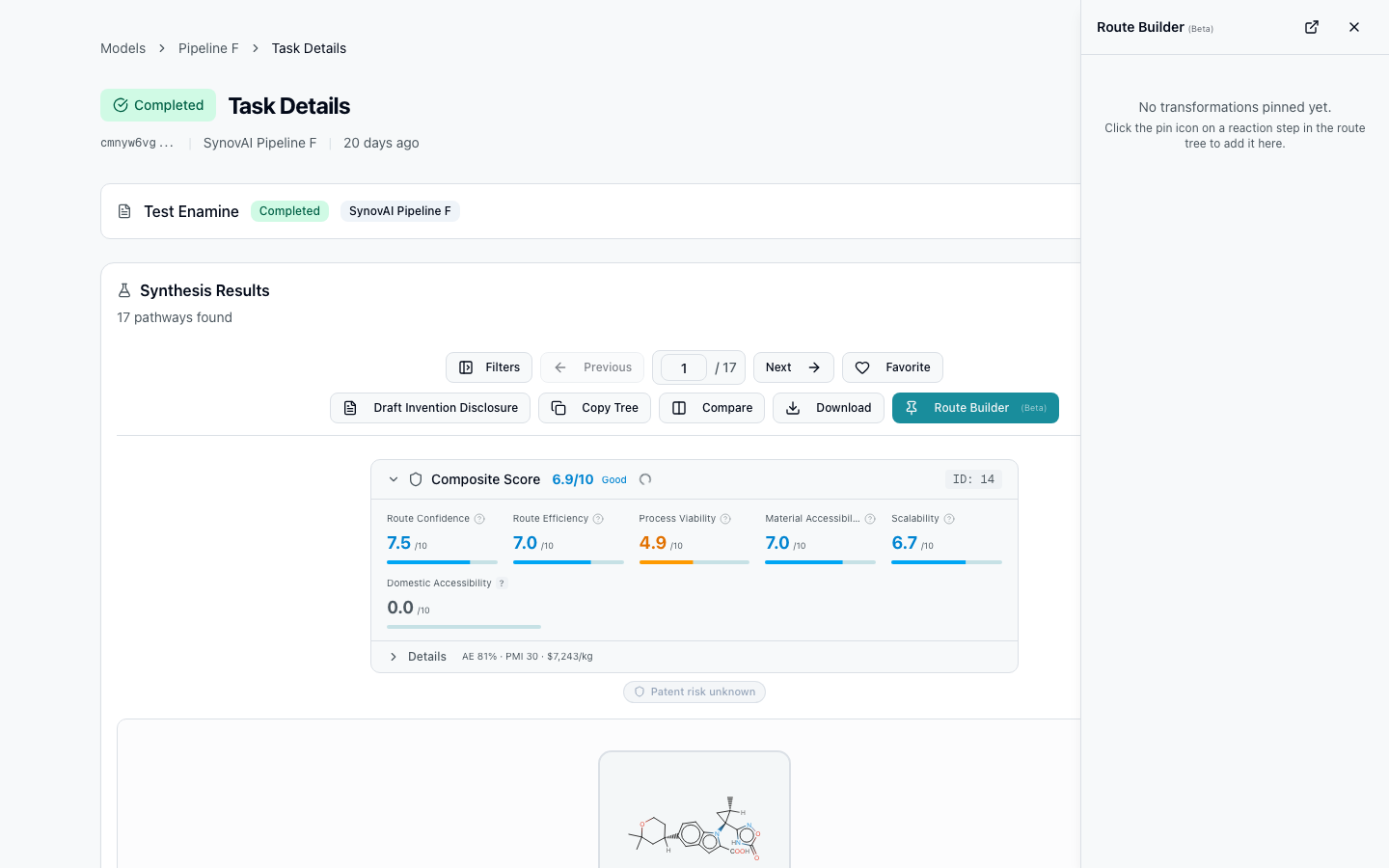
Pin transformation steps
Click the pin icon on any non-leaf molecule (reaction step) in the route tree. This pins the entire transformation — product, reactants, and reaction type.
Chain validation
The builder automatically detects whether pinned steps connect (product of one step matches reactant of the next).
- Green link lines — steps connect correctly
- Red "NOT CONNECTED" — there's a gap
Fill gaps
Click the crosshair icon on a gap to run the missing intermediate as a new retrosynthesis target. The new result becomes available in your tasks; you can then pin one of its steps to close the gap.
Cross-task persistence
Pinned steps persist across page refreshes and different task views. This lets you assemble a route from multiple searches — pin a good first step from one task, a clever intermediate transformation from another, a clean final deprotection from a third.
Export
Three export options from the builder:
- Copy SMILES — all pinned molecule SMILES as a list
- Copy reaction SMILES —
product>>reactantsformat per step - Download
.smifile — all reactions in a single.smi
For a richer handoff to the bench, finish a route and use the lab bundle export to ship procedure, reagents, hazards, and references as a single ZIP.